
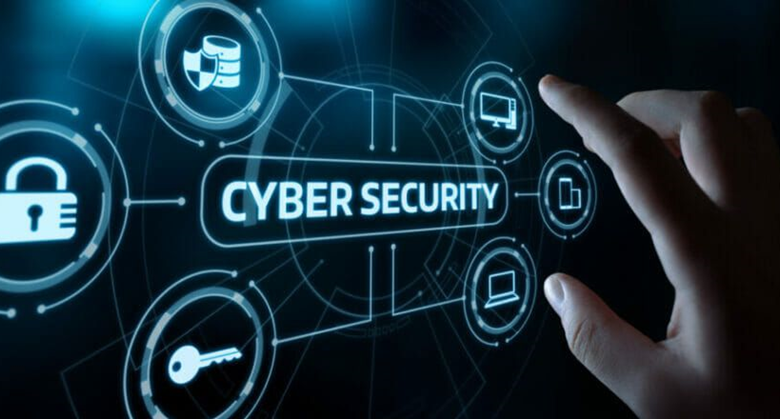
Cyber security focuses on protecting computer systems from unauthorised access or being otherwise damaged or made inaccessible.
PRACTICES TO ENHANCE CYBER SECURITY
As we grow more dependent upon technology, we need to develop better online security defenses. These eight habits will help you to recognize and counter threats to your digital safety and become less vulnerable to cyberattacks.
1. Protect your passwords.
Make regular checkups on your passwords, change them if you feel suspicious of them.
2. Verify requests for private information.
Whenever you are requested to provide private information (yours or anyone else’s), verify the identity of the requester — even if it appears to be somebody you know. Con artists are clever in how they collect information to steal information and identities. Even if you think you’re safe, regularly check your financial statements and credit reports.
3. Think twice before clicking on links or opening attachments.
Even if an email looks like it’s from someone you know, take care with attachments. Take that extra second to avoid walking into a digitally dangerous situation. Don’t reply to the email because the sender’s identity might have been compromised
Never reveal your passwords to anyone. Make them long, strong, unique and use multi-factor authentication (MFA) wherever possible.
.
4. . Delete sensitive information when it’s no longer needed.
UC employees should follow the UC Records Retention Schedule that defines the period of time that records should be retained and when they should be destroyed.
5 . Report suspicious cases of cyber security to relevant authotities
6. Back up critical files.
Store backups in a physically separate location from the originals and periodically test them. For critical work files, use storage options that are approved by UC Davis Health IT. For personal files, save a backup on a separate drive (e.g., cloud or encrypted USB) to securely store it.
7. . Protect your computer ,mobile phone or laptop from untrusted people.
Keep a close eye on your belongings when you’re in public places. Lock things up or take them with you before you leave, even if you’ll only be away for a second. When you’re at work, secure your area and lock your computer screen before leaving your desk. Take your phone and other portable items with you
8. . Keep your devices, browsers, and apps up to date.
At home, automate software updates and periodically restart your devices to ensure that updates are fully installed.
